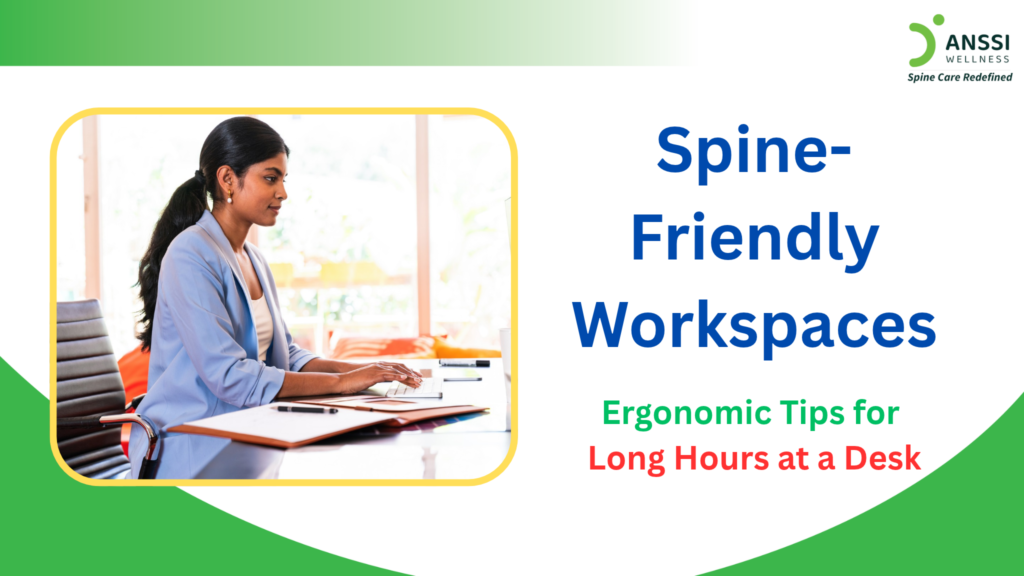
In today’s digital workplace, many people spend six to ten hours or more sitting at a desk, working on computers, attending online meetings, or completing daily office tasks. Although desk-based work may not involve heavy physical activity, prolonged sitting and an uncomfortable workstation can contribute to neck stiffness, lower back discomfort, shoulder tension, and muscular fatigue.
The solution is not simply to sit perfectly straight throughout the day. A spine-friendly workspace combines appropriate desk ergonomics, comfortable positioning, regular movement, and healthy daily habits. Small adjustments to your workstation can make long working hours more comfortable and help reduce unnecessary strain on your neck, back, and shoulders.
1. Choose a Chair That Supports Your Spine
Your chair plays an important role in maintaining comfort during prolonged desk work. Ideally, choose an adjustable chair that supports your lower back and allows your feet to rest comfortably on the floor.
Follow these practical tips:
- Support your lower back: Adjust the chair’s backrest to support the natural inward curve of your lower spine. A small lumbar cushion may help if your chair lacks adequate support.
- Keep your feet supported: Place both feet flat on the floor. If your feet do not reach comfortably, use a footrest.
- Adjust your seat height: Position the chair so your thighs are approximately parallel to the floor, and your knees are around hip level or slightly lower, as comfortable.
- Avoid staying rigid: Use the backrest when helpful, but change your position regularly rather than holding one posture for hours.
Remember that there is no single ideal sitting position for everyone. Comfort, appropriate support, and regular movement are more important than maintaining a rigid posture.
2. Position Your Monitor at the Correct Height
An incorrectly positioned monitor can encourage you to bend your neck forward, lean towards the screen, or repeatedly turn your head. Over time, these positions may contribute to discomfort.
For a more comfortable screen setup:
- Place your monitor directly in front of you to avoid repeatedly twisting your neck.
- Position the screen approximately an arm’s length away, adjusting the distance according to your vision and screen size.
- Keep the top of the screen at or slightly below eye level, so you can view it without continually tilting your head.
- Increase text size if you frequently lean forward to read.
- Adjust brightness and lighting to reduce glare and eye strain.
Laptop users need special attention. Looking down at a laptop for long periods can encourage sustained neck flexion. Consider using a laptop stand or external monitor, together with a separate keyboard and mouse. This allows you to raise the screen while keeping your arms in a comfortable position.
3. Keep Your Keyboard and Mouse Within Easy Reach
Your hands, wrists, shoulders, and upper back work together throughout the day. Poorly positioned equipment can cause you to reach forward, raise your shoulders, or bend your wrists awkwardly.
- Keep your keyboard and mouse close enough that you can use them without stretching your arms.
- Allow your elbows to remain near your sides, with your shoulders relaxed and your forearms approximately parallel to the floor when practical.
- Keep your wrists in a comfortable, relatively straight position while typing.
- Avoid pressing your wrists against a hard desk edge for prolonged periods.
- If you use a mouse frequently, choose one that fits your hand comfortably.
Also, check your desk height.
- A desk that is too high may force you to raise your shoulders, while one that is too low may encourage you to lean forward.
- Adjust your chair, equipment, or workstation accessories to achieve a comfortable arrangement.
4. Take Regular Movement Breaks
Even a well-designed workstation cannot eliminate the effects of remaining in one position for extended periods. Your body benefits from changing positions and moving throughout the day.
Try incorporating these habits into your routine:
- Stand up and walk briefly at regular intervals.
- Change your sitting position whenever you begin feeling stiff or uncomfortable.
- Perform gentle shoulder rolls and comfortable neck movements.
- Take short walking breaks between meetings or tasks.
- Alternate between sitting and standing if your workspace allows it.
You can also set reminders to move every 30-60 minutes. Treat this as a flexible guideline rather than a strict medical rule. The most useful approach is to avoid uninterrupted sitting for excessively long periods.
If a movement causes pain, stop or modify it. Avoid forceful stretching, sudden twisting, or exercises that worsen symptoms.
5. Build Healthy Habits Beyond Your Desk
Spinal comfort depends on more than workstation design.
- Regular physical activity, adequate sleep, stress management, and appropriate exercise can support overall musculoskeletal health.
- Walking, strengthening exercises, and mobility activities can help maintain general fitness.
- If you have an existing spinal condition or persistent pain, consult a qualified doctor before starting an unfamiliar exercise programme.
- Stress may also contribute to muscle tension, particularly around the neck and shoulders. Taking short breaks, breathing calmly, and maintaining a manageable work routine may help you feel more comfortable.
Most importantly, do not assume that every episode of back or neck pain is caused by poor posture. Pain can have several contributing factors, including muscle strain, joint problems, disc conditions, and other medical issues.
6. Recognise When Professional Assessment is Necessary
Occasional stiffness after a long workday may improve with movement and workstation adjustments. However, persistent or recurring pain deserves attention, especially when it interferes with sleep, concentration, or everyday activities.
- Seek medical advice if you experience pain spreading into an arm or leg, persistent tingling, numbness, or weakness.
- A doctor can evaluate your symptoms, medical history, and physical function to determine whether further tests or treatment is necessary.
- Seek urgent medical care if you develop new bladder or bowel control problems, numbness around the groin or saddle area, or rapidly worsening weakness. These symptoms can indicate a serious neurological problem.
About ANSSI:
ANSSI Wellness focuses on improving the quality of life for patients suffering from spinal issues, aiming to provide relief where other conventional treatments have failed. Through advanced Non-Surgical Spinal Decompression Treatment, ANSSI is committed to helping patients avoid surgery and recover in a safe, effective, and compassionate environment.
Book Consultation:
Call +91 9004726844 | 9920936844
Visit www.anssiwellness.com
Connect with ANSSI Wellness on LinkedIn, Instagram, and Facebook for expert guidance.